A teleprompter for real estate agents: scripting and filming property videos
Published October 1, 2026 · 7 min read
A good property video is a short script filmed in parts: open with the one thing that makes the place stand out, then the location, a walk-through room by room, who it suits and how to book a viewing. Film the parts where you talk to the camera with a teleprompter, and the walk-through shots separately, then put them together.
This guide covers the script structure, sample lines for each part, how to set up a phone on location, and how to keep your delivery natural when you have to get the facts exactly right.
Why script a property video at all?
Listing videos are full of details that must be correct: the area, the number of bedrooms, the floor, the legal status, the distance to a school. Improvising them on site leads to retakes, or worse, to a wrong number in a published video. A script puts every fact in writing, in the order you want buyers to hear it.
A script also keeps the video short. Buyers scroll through many listings, and a tight one-to-two-minute video that answers their first questions is more useful than ten minutes of walking through every cupboard.
How should a property video script be structured?
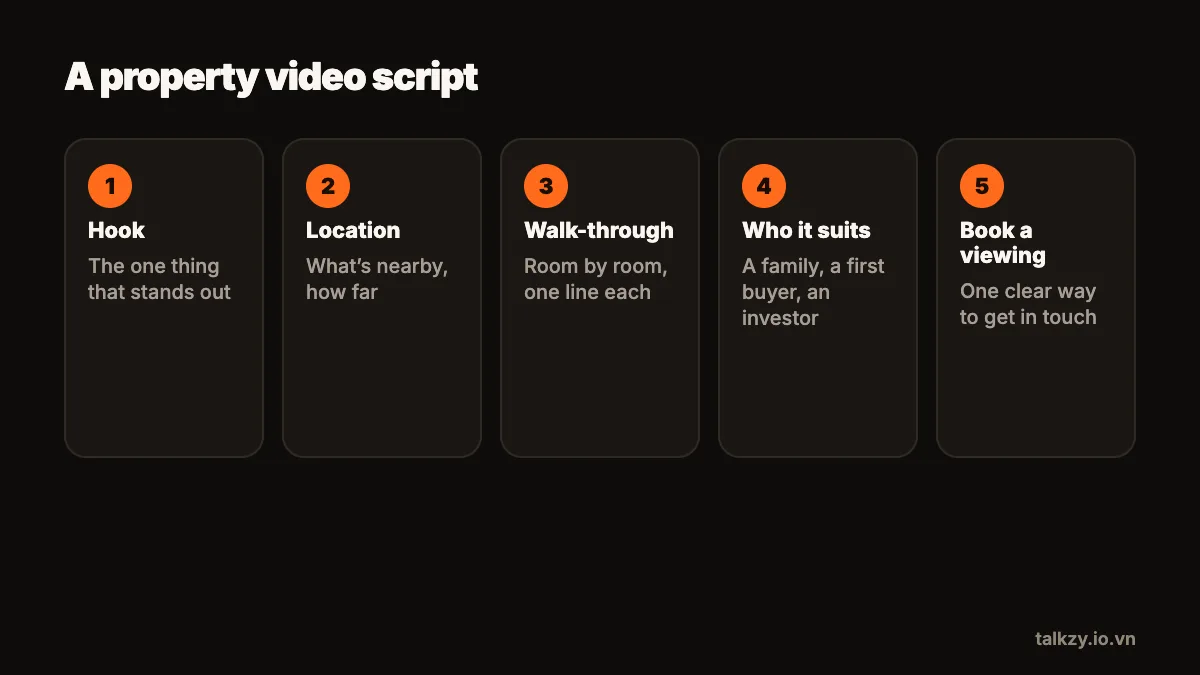
Use the same five parts for every listing, so writing a new script takes minutes:
- 1Hook: the one standout fact, in the first sentence. A view, a garden, a quiet street close to the centre.
- 2Location: the neighbourhood, transport, schools, shops, whatever this buyer cares about.
- 3Walk-through: room by room, one or two sentences each, focusing on what the camera can’t show (sunlight in the morning, storage, recent renovation).
- 4Who it suits: a young family, a first-time buyer, an investor looking for rental income.
- 5Next step: how to book a viewing or get the full details.
Write each part as its own section. Then you can film the hook and the next step in one place, the room-by-room parts in each room, and retake any one of them without starting over.
What do I say in each room?
Viewers can see the room; tell them what the picture doesn’t. Keep each room to a sentence or two:
- The living room: “This room faces east, so it gets the morning sun, and the sliding doors open straight onto the balcony.”
- The kitchen: “The kitchen was renovated last year, with new cabinets and plenty of storage under the island.”
- The bedroom: “The main bedroom fits a double bed and a desk, and it’s on the quiet side of the building.”
Use numbers you can stand behind, read them from the script, and say them slowly. A price or an area spoken too fast is the line viewers rewind or misremember.
How do I set up the phone on location?
- 1Use a small tripod or a stand, with the phone at eye level. Handheld walk-to-camera shots look shaky and make reading hard.
- 2Stand with a window to your side or in front of you, never behind you, or you become a silhouette against the bright view.
- 3Clip on a wired or wireless lav mic. Empty rooms with hard floors echo, and the built-in mic at arm’s length will pick up every bit of it.
- 4Decide on portrait or landscape before you write: portrait for social media, landscape for listing sites and YouTube.
- 5Turn on Do Not Disturb. A client calling mid-take is the most common way to lose a good one.
How do I keep it natural while reading?
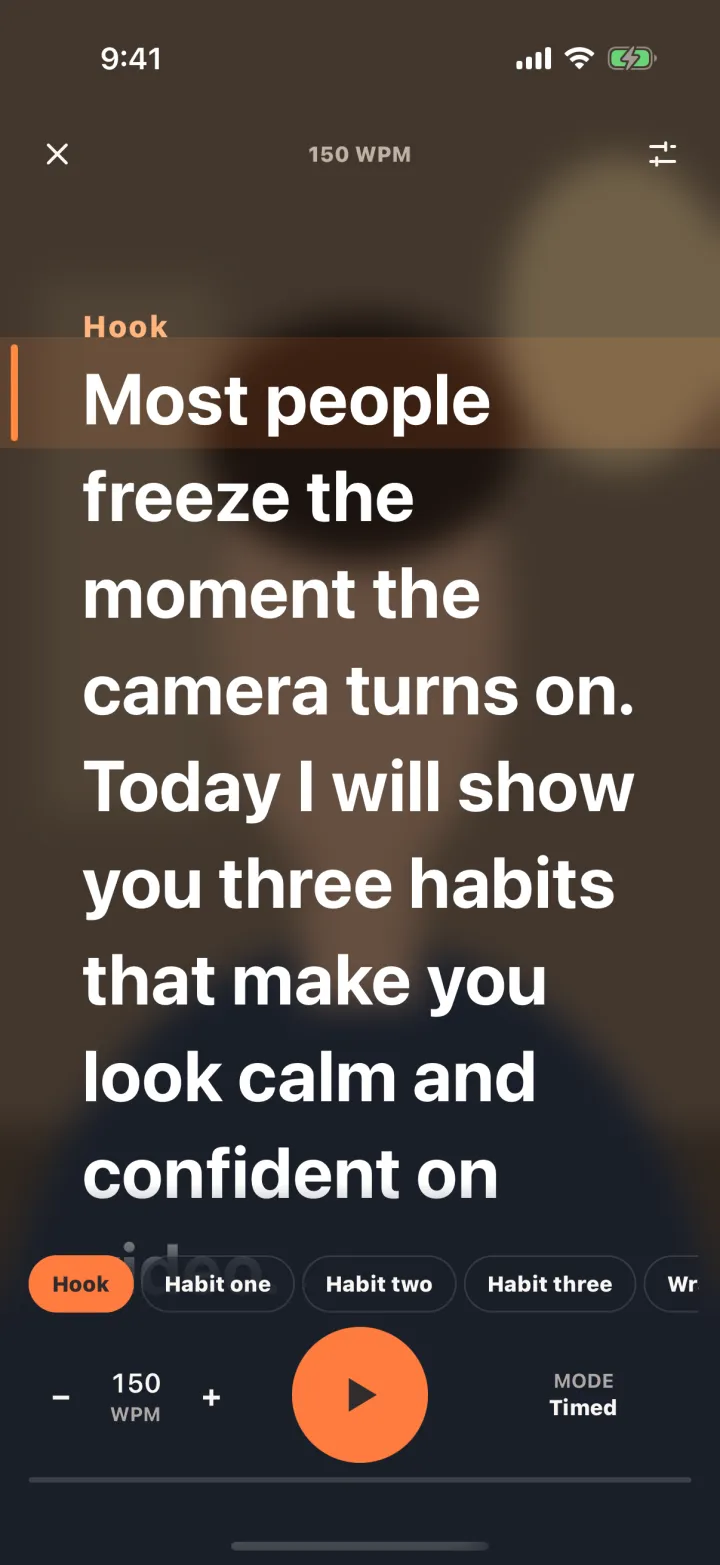
Write in spoken language: “you’ll love the light in here” rather than “the property benefits from excellent natural light”. Read the script aloud once before you film and fix anything you stumble on. Put the text right under the camera lens, in a narrow column, so your eyes stay on the viewer, and let the scrolling wait for you when you gesture towards a window or a door.
Smile before the first word, and leave a second of silence at the start and end of each take so there is room to cut.
How do I film the walk-through shots?
Film the rooms on their own, without talking: slow, steady movement, the phone at chest height, lights on and curtains open. Then put the clips where you speak to the camera between them when you edit. This keeps the talking parts short and lets the rooms speak for themselves.
For a series of listings, keep the same order and the same opening and closing lines every time. Viewers recognise the format, and you write each new script by changing only the facts.
Where Talkzy helps
Talkzy runs your script in a narrow column right under the front camera, so you can read the facts exactly while keeping eye contact. Start a line with # for each part (hook, location, each room, next step) and jump between sections, or retake from the start of a section, as you move around the property.
The text can follow your voice (beta), using Apple’s on-device speech recognition, so it waits while you gesture or pause; or it can scroll at a speed you set, or move only when you press a remote. Each take is saved as its own clip named after the script, with a still and its length, and can go straight into a Photos album named after the script (name the script after the listing), so a day of filming several properties stays organised.